Last updated on 2026-01-30, by
Instagram Viewer Guide: How to View Instagram Anonymously
Summary
- When you would like to view Instagram profiles or stories without being noticed, using the correct tools, you could view public content in all its anonymity. Here are some best options to explore.
As we know, Instagram monitors every action you perform on its app. It catches everything you see, what you like, and the stories you follow. However, there are situations when you simply want to look and not to interact. In these situations, Instagram viewers could help you. These helpful web-based applications allow you to view public Instagram accounts, their profiles, posts, and stories, all anonymously without registering or leaving a footprint.
In this article, we will talk about what an Instagram viewer is, why you should use it, and some working Instagram viewer options that are currently available. We’re also here to show you how to use the tools safely.
Quick AccessCLOSE
Why Use an Instagram Viewer Instead of the App?
An Instagram viewer is a web-based application. A viewer will allow you to view public content on Instagram without logging in. Here’s why some people love using an Instagram viewer instead of the official app:
benefits
- Anonymous viewing: You could anonymously view any public profile. The use of viewers helps brands to spy on their rivals, draw inspiration from creators, and, in general, other users casually check themselves. Your visit is held completely secret.
- No login required: You don’t need an Instagram account. No passwords, no two-factor confirmation, and no danger to your personal profile. These tools are web-based, and they only grab public content.
- Faster browsing on desktop and mobile: When using viewer tools, you do not need to open Instagram, and instead, you type in the name of the person, and the viewer loads the stories, posts, reels, highlights, and profile pictures. You could scroll instagram without any limits. The content is loaded immediately.
- Research and monitoring: Marketers and journalists could watch the trends, analyze the posting habits, or collect inspirations without influencing their feeds.
3 Best Instagram Viewer Tools
Then, what’s the best Instagram viewer tool? There are three reliable tools that let you view Instagram anonymously. Remember that these tools only work with public accounts.
1. InstaStoriesViewer
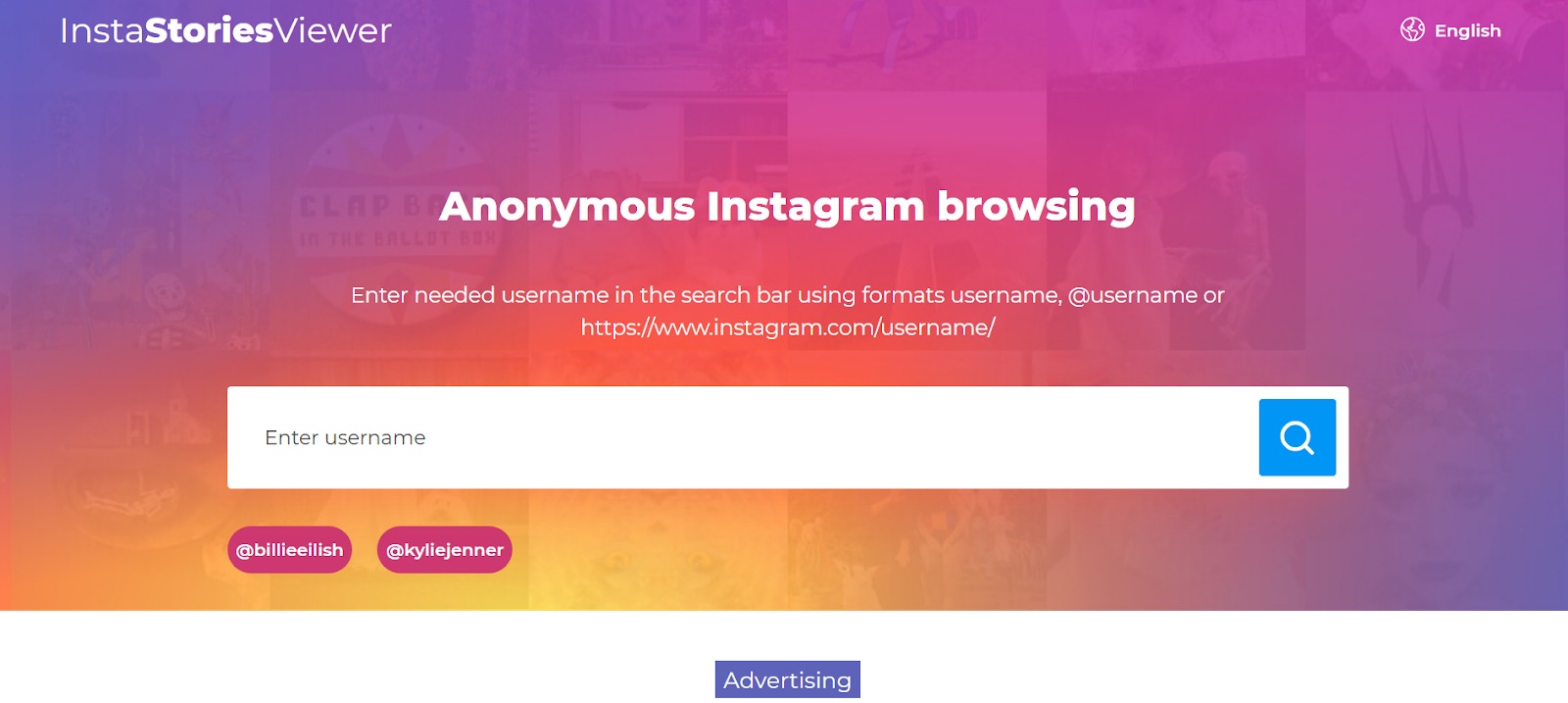
InstaStoriesViewer is our first recommendation for anonymous viewing. In the tool search bar you could type a public username. Once done, you could view the stories, highlights, posts, and even live materials of that particular account. No login. No limits. No setup. The interface is easy to use, which, in fact, makes it perfect. It will load quickly, no matter if you’re on a mobile device or a desktop. Also, one benefit is its direct downloads. With its single click you could save stories, photos, or videos. It is not an analytics application, and it will not open up private profiles. However, when you need to see a story fast and anonymously, it is one of the easiest ways to do it.
2. Picuki
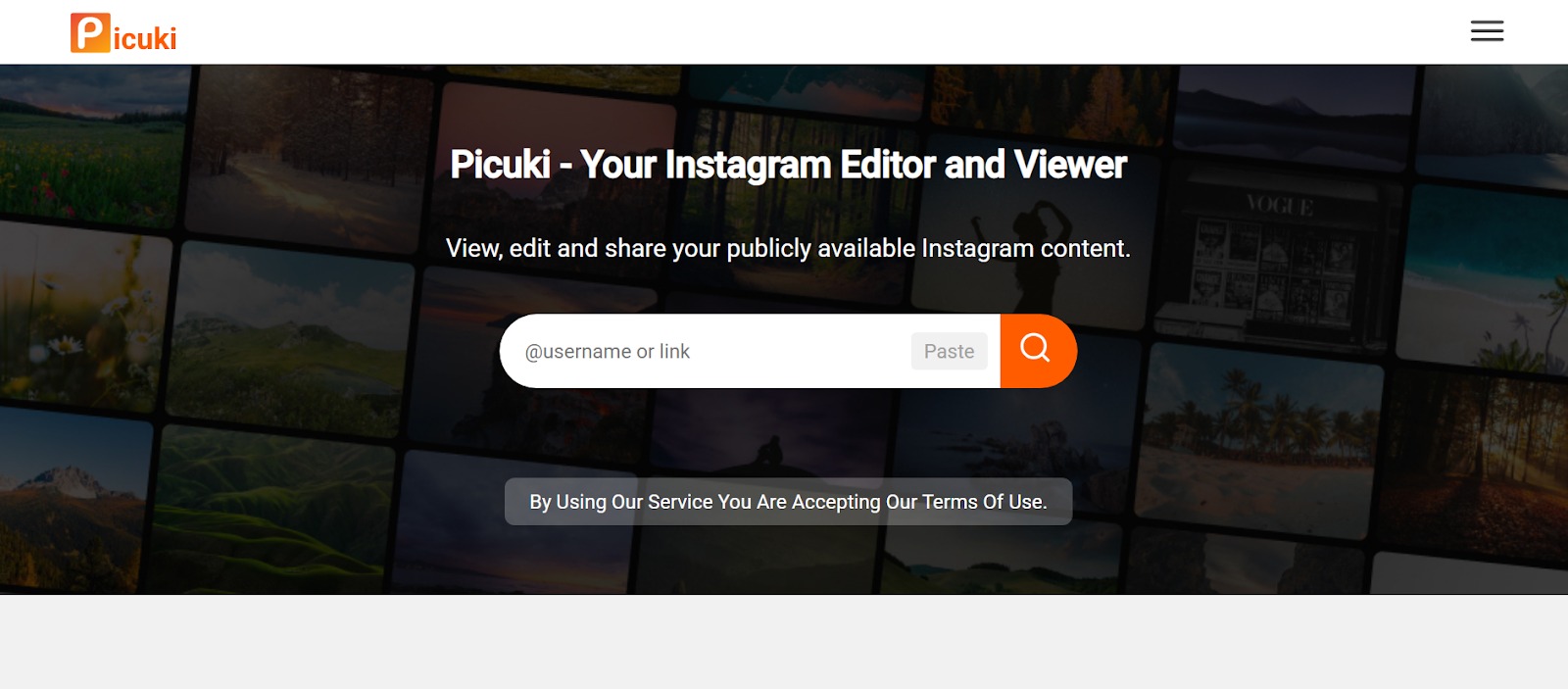
Picuki is the 2nd option to use go view Instagram profile and content. Once you enter the public’s username, you will be able to see everything. You could see posts, stories, reels, highlights, captions, hashtags, and profile photos are shown in their full resolution. Another best thing is it is easy to use, without the login wall. It also has download buttons beside most of the media. It’s very handy in storing inspiration or reference. Picuki is dedicated to publicly available data. The whole time, you remain anonymous. It is particularly used in content research, hashtag browsing, and silently checking profiles via a desktop browser.
3. Inflact
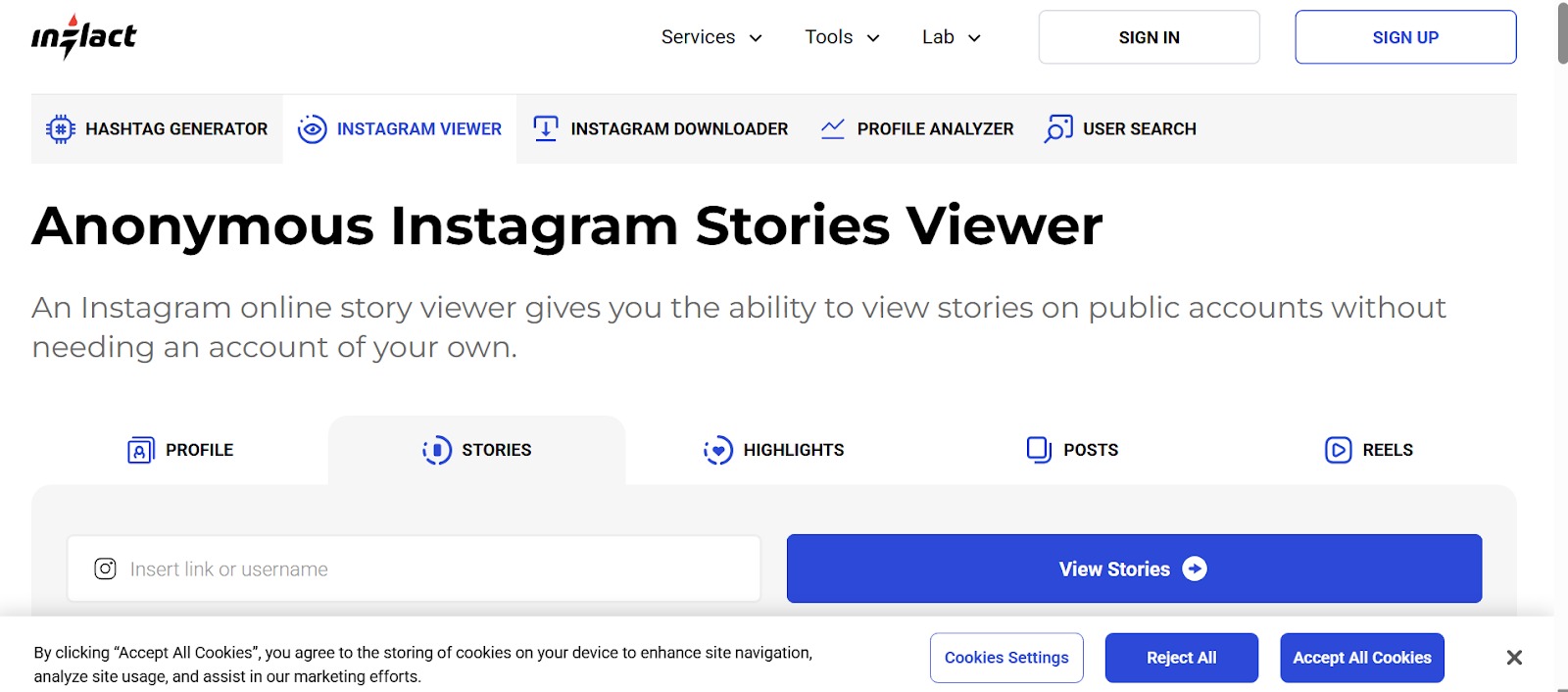
Inflact is another good option to use. With it, you could see the public stories, posts, reels, and highlights without logging in and remain anonymous. The main benefit of Inflact is flexibility. With its free version, you could anonymously view and download multiple times. Subscriptions grant access to benefits such as the ability to track stories, view older content, and analytics on the profiles. Inflact is a great choice for brands or power users looking to browse anonymously today and gain insight later. You could start using it on a casual basis and upgrade to more sophisticated monitoring tools.
How to Use an Instagram Viewer Safely
Instagram anonymous browsing could be so easy. But, use only trusted platforms that will not ask for any access to your profile or personal details. In case you find a page insisting on login, add-ons, or file grabs, leave such a place immediately without any hesitation. Check for HTTPS as you would check for the locks at night, and stay away from those sites that keep you coming up with sudden windows. Besides, limits matter just as much. Public accounts are only what Instagram allows you to access.
How about those sites that promise to disclose private profiles? Well, they are not trustworthy. This is why the tools are still effective: they are limited to the information that people publicly share only. Ultimately, safety is protecting your phone and personal details. First, you could start by turning on an ad blocker. Do not trust and skip any shady browser add-ons and only use trusted tools. Also, only download basic file types such as JPG or MP4 and avoid anything peculiar. Prelude browsing or a VPN are ways to get a small privacy boost; however, most people will not need them. What counts are simple habits rather than extra layers.
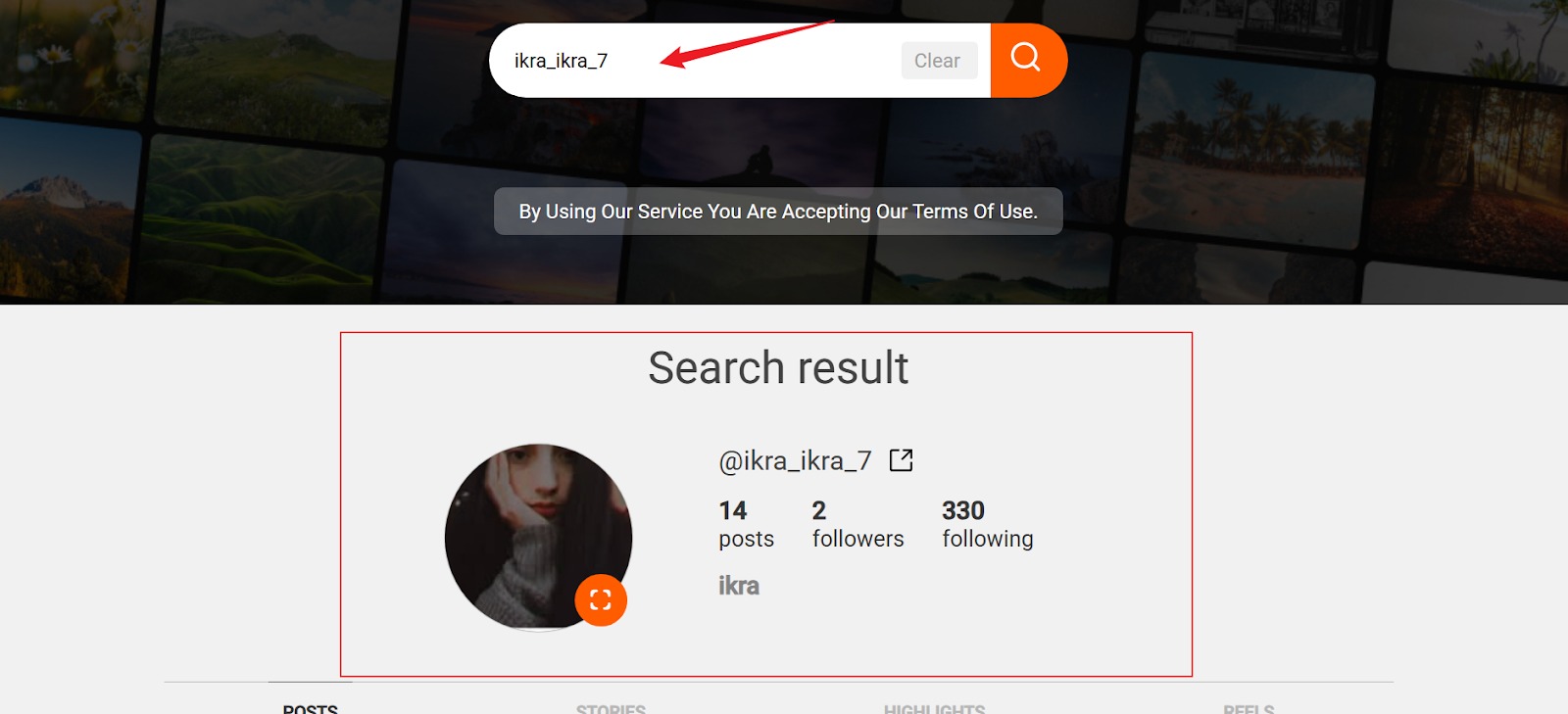
Here we will take Picuki as an example, so you can follow these steps to see Ins anonymously.
Step 1: Open an ig post viewer in your web browser, e.g., Picuki.
Step 2: Paste the URL of the post in Instagram or type in the public username that is attached to the post.
Step 3: With the help of the View or Search button, the Instagram post will be loaded.
Step 4: Swipe and view the image or video and its caption in the posting.
Step 5: The option of downloading may be chosen if you would like to save the post in your device.
No login required. No alerts sent. No trace left behind.
Bonus Tip: Save Instagram Stories for Offline Viewing
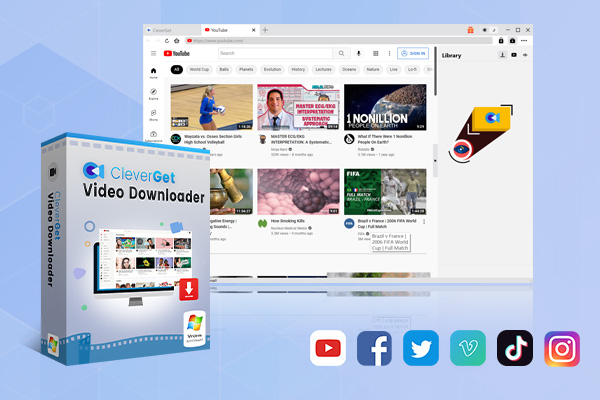
A dedicated video downloader would be more helpful when you want to view Instagram videos or stories offline. CleverGet Video Downloader is one of them. It is a desktop application that works with more than 1,000 websites, including Instagram, Twitter, YouTube, etc, and allows downloading videos in high quality up to 1080p without compression.
-
- Download online videos, movies, TV shows, live streams, etc. from 1000+ websites.
- Download up to 8K video and 320 kbps audio without quality loss.
- Download online video to MP4/MKV/WEBM or other available popular formats.
- Batch download online videos and remove ads for ad-free offline viewing.
The application is simple to use with an easy interface. You just need to scroll to the story, reel, or video you prefer with its in-built browser. CleverGet Video Downloader automatically detects the media and shows download options. It comes in particularly handy when you are doing batch downloads or when you need the highest quality possible. Concisely, apps such as CleverGet perform well in combination with Instagram viewers when you require a stable offline experience to watch content.
FAQs
1. Can you view private Instagram accounts?
No. Instagram viewers just operate with public profiles. Personal accounts are not open to everyone.
2. Will someone know I viewed their story?
No. You are not logged in; thus, your name does not show among the story viewers. The owner of the account will not see you.
3. Do I need an Instagram account to use these tools?
No. That’s the whole point. You just need the browser to use these tools.
Is it legal to use an Instagram viewer?
There is no major issue with watching public content. Make sure not to reuse or republish material without authorisation.
Conclusion
Instagram viewers provide an easy option to rest and scroll through the public content anonymously. These are useful to easily do competitor research, save inspiration, or just scroll through posts without having to create an account. These tools enable you to follow what is available in the community, visit credible websites, and honor privacy limits. In case you want to download Instagram stories on a permanent basis, then CleverGet Video Downloader is the right choice.
-
How to Record Any Streaming Video on Mac Safely?Cassie/2026-03-30
-
How to Record Discord Audio on Windows, Mac & MobileCassie/2026-02-27
-
Instagram Viewer Guide: How to View Instagram AnonymouslyCassie/2026-01-30
-
Why Does YouTube Keep Pausing? Causes and Easy FixesCassie/2025-12-26
-
How to Record Facebook Live Stream for Free on PC?Cassie/2025-11-27
-
3 Best Methods to Play Blu-ray on VLCCassie/2025-10-30
-
3 Best Tools to Convert M3U8 to MP4 Without ErrorsCassie/2025-09-26
-
5 Best Methods to Open an ISO File EasilyCassie/2025-08-28
-

Discover 8 Video Platforms Like YouTube NowCassie/2025-08-13
-
Anonymous Mode: How to View Twitter Without an Account?Cassie/2025-05-26
-

4 Ways to Download Movies from FMoviesLeia/2024-05-30
-

Top 5 Disappointments of iOS 6 Apple Users GetTony/2012-09-27
-
Is Watchseries Safe to Use? What Are the Best Watchseries AlternativesPatrick/2024-11-01
-
6 Best URL to MP4 Converters to Download URL to MP4August/2023-09-11
-
23 iPhone 5 Rumors Listed from A to WTony/2012-09-13
-
2 Methods to Convert Flash EXE to Flash SWFTony/2012-08-28
-
Top 10 CouchTuner Alternatives for Free Movies & Shows 2026Max Will/2025-04-29
-
10 Best Project Free TV Alternatives to Watch Movies/Shows OnlineMax Will/2025-04-29
-

Top 8 Free YouTube Proxy Sites for YouTube Unblocked 2024Lumi/2024-09-24
-
How to Free Download iBOMMA Telugu Movies in HDMax Will/2025-04-29